Text to Video AI

Text to Video

Put the moment you have in mind into words. Describe who or what is in the scene, what happens, and how you want the camera to see it.

Text to Video

Prompt Tips

Learn how to describe scenes, bring still images to life, and guide movement with practical prompt examples.

01

Build a Cinematic Scene

Text to Video

Text-led Scene

Prompt idea

Create a cinematic scene of an adult woman walking alone through a rain-soaked city street at night, holding a black umbrella. She walks past glowing storefronts, slows down beneath a streetlight, then turns her head as if she has noticed someone behind her. Rain falls steadily, reflections shimmer across the pavement, and her coat moves naturally as she walks. Begin with a medium-wide tracking shot from the side, then slowly move closer as she turns. Use moody cinematic lighting, realistic movement, and detailed urban reflections.
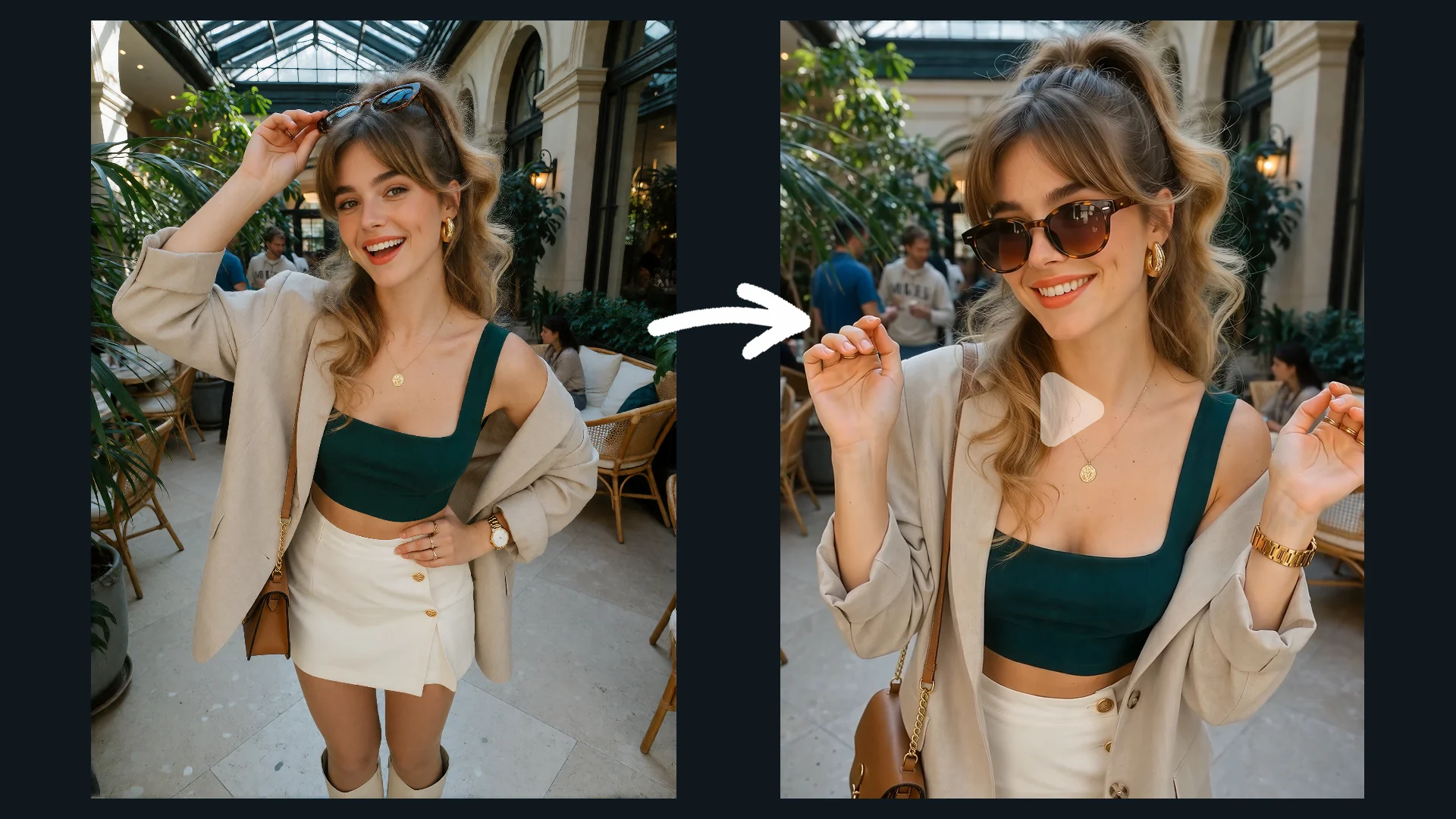
Describe One Moment

Use these details to organize your idea, then revise the description around the moment you want to explore.

Subject
Name the person, object, or place at the center of the scene.
Action
Describe what happens, including the beginning and end of a movement when they matter.
Setting
Add the location, lighting, and atmosphere you have in mind.
Camera
Describe the framing and whether the camera stays still, follows, or moves closer.

Text to Video / Reference to Video

Choose your workflow based on how you want to guide your next video: with a text prompt, a starting image, or visual references.

Text to Video
Text to Video

Text to Video

Put the moment you have in mind into words. Describe who or what is in the scene, what happens, and how you want the camera to see it.

Best for

  • Creating a new scene from text
  • Exploring actions and camera direction
Explore Text to Video
Reference to Video
Reference to Video

Reference to Video

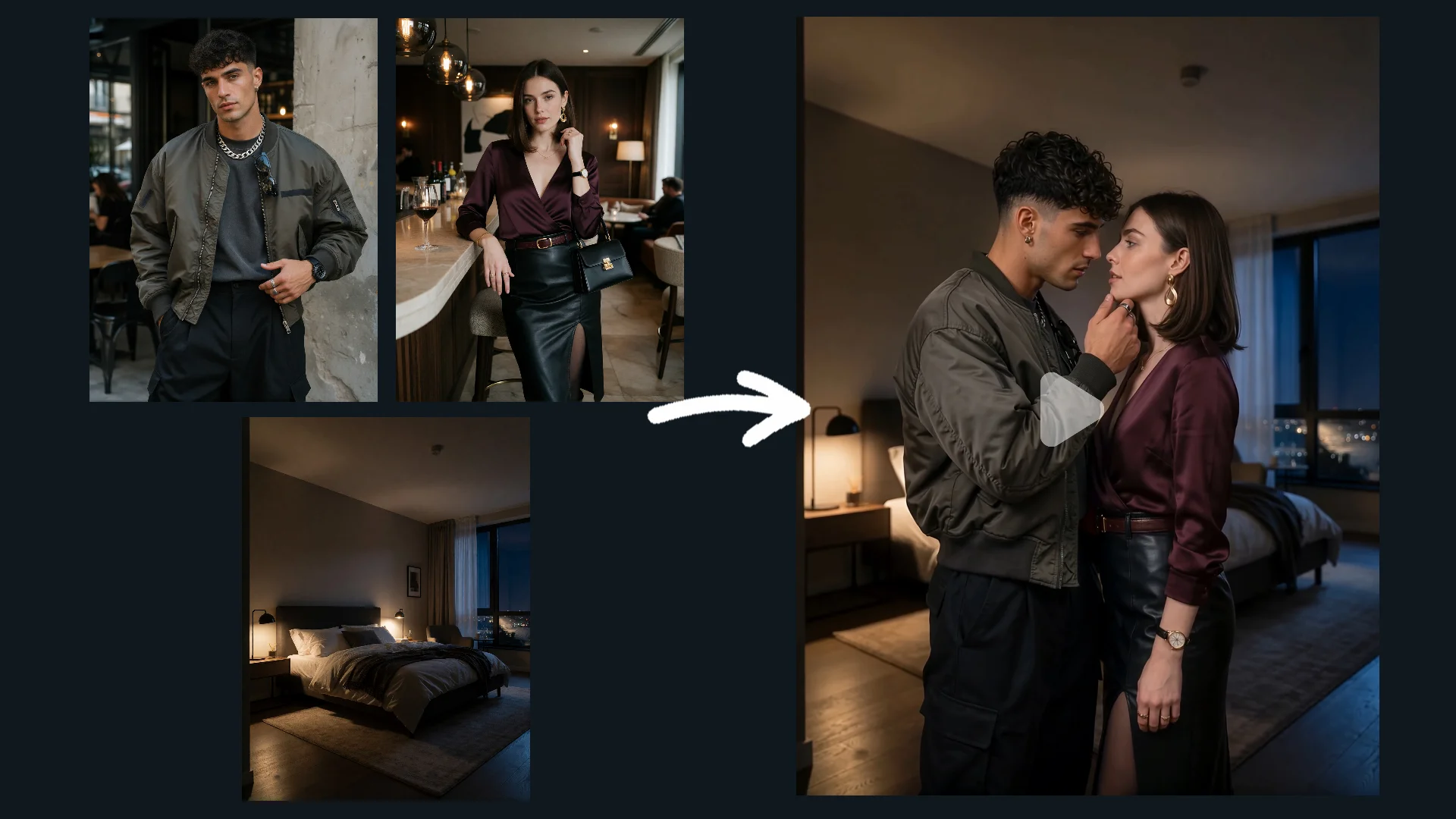
Guide creation with visual references. Use supported image and video references to guide the appearance, scene details, and broader visual direction of the generated video.

Best for

  • Guiding character appearance
  • Establishing scene and visual style
  • Combining supported image and video references
Explore Reference to Video

Frequently Asked Questions

Where should I start with a prompt?

Start with one subject and one moment. Describe the action first, then add the setting and camera direction that give it context.

What if I already have an image?

Explore Image to Video when your starting point is an image and you want to describe movement or change around it.

When should I choose Reference to Video?

Choose Reference to Video when your idea is built around reference material, such as a subject, setting, object, or visual style.

Are the written examples generated results?

The written examples are prompt ideas. A generated example is shown separately with its actual prompt and corresponding result.