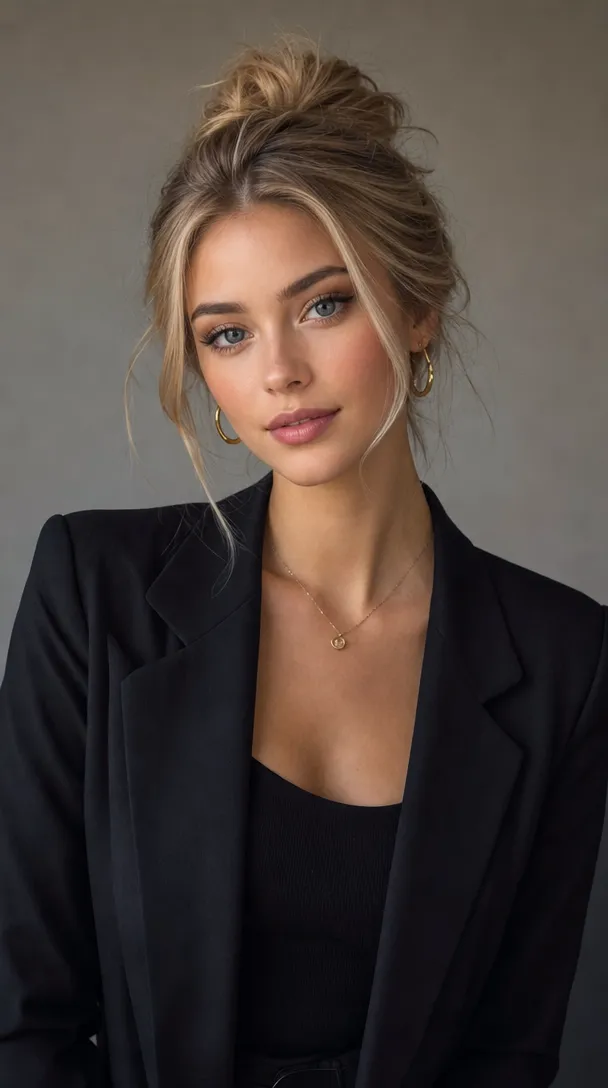
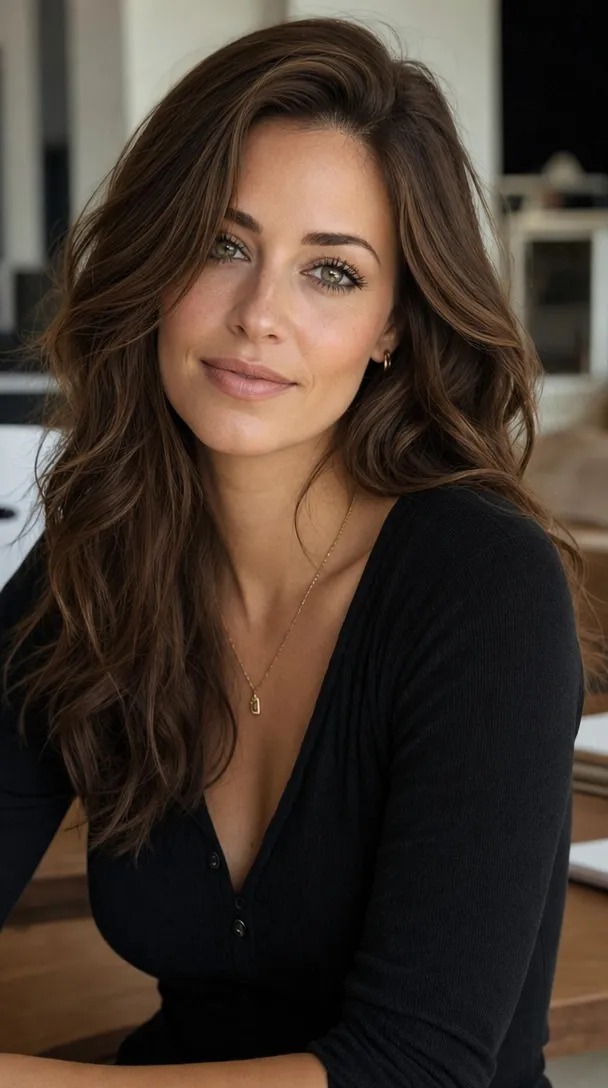
Give your character a visual reference for their hairstyle, outfit, facial features, and overall appearance.
Use character and object reference images to guide AI video generation. Start with a person, a product, or a key visual subject, then build new scenes around the details you want to preserve.
Explore Reference to VideoA text prompt can describe a person or product, but it may not capture every visual detail. Reference images give your AI video a clearer starting point for the character, object, and appearance you have in mind.
Give your character a visual reference for their hairstyle, outfit, facial features, and overall appearance.
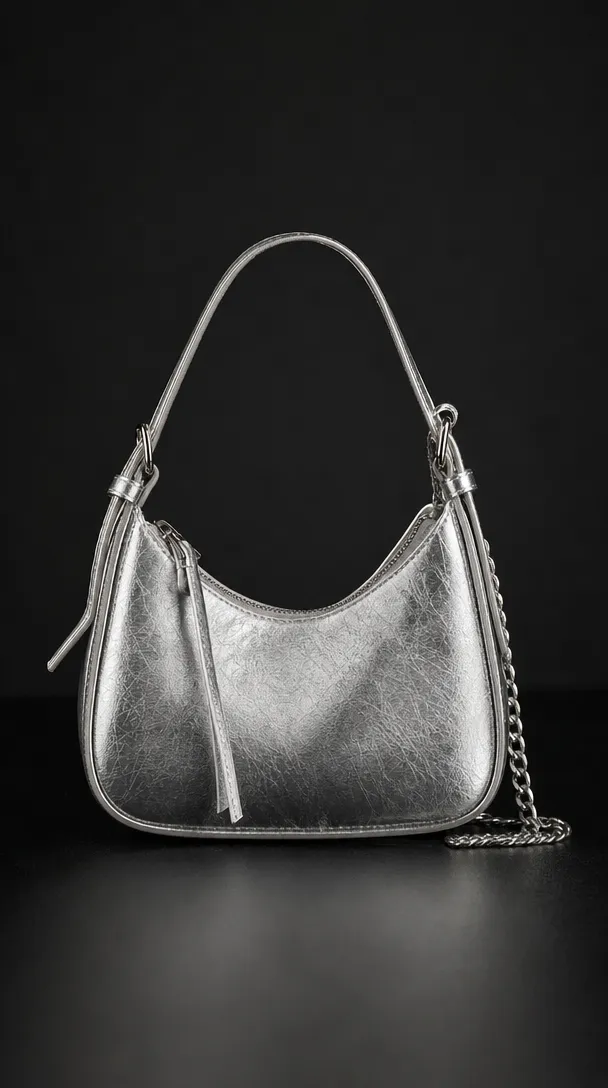
Use an object reference to guide the appearance of a product, accessory, prop, or other important subject.
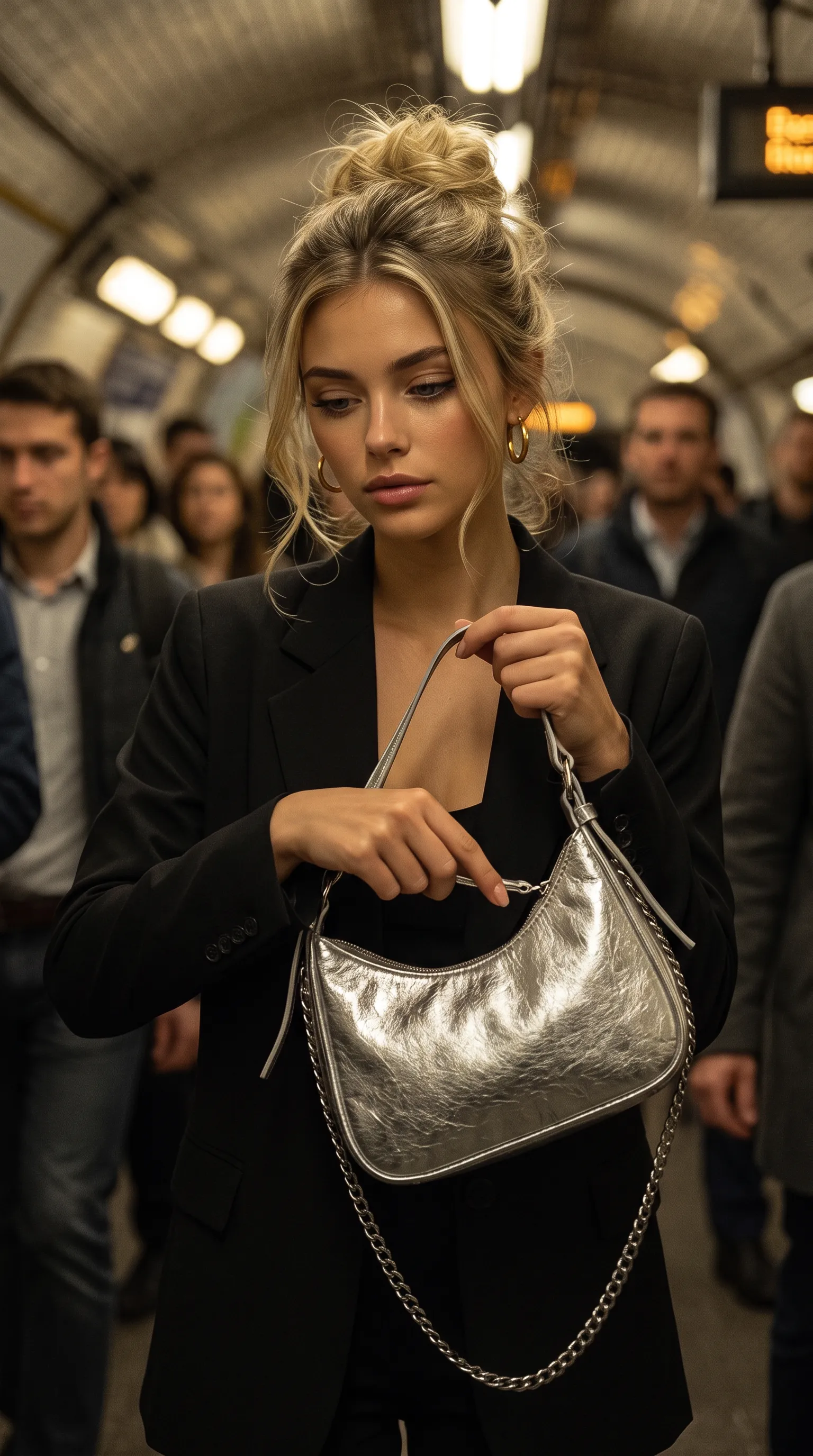
Explore new actions, compositions, and environments while using your reference as a visual guide.
Use a character reference image to guide the look of your AI-generated videos. Explore different scenes, outfits, actions, and camera angles while keeping your chosen character at the center of your creative direction.
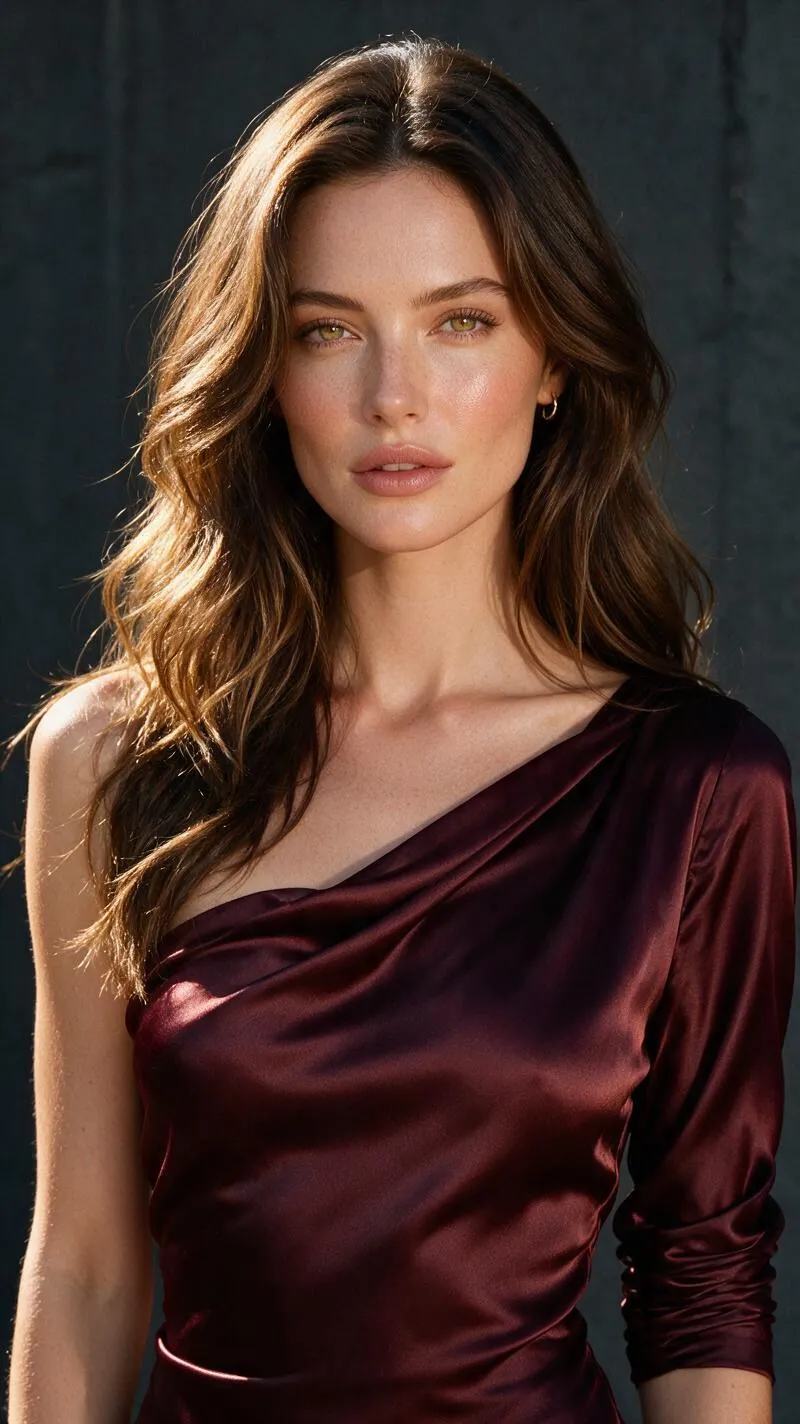
Start with a character image to guide the look of your AI-generated videos.
Place your referenced character in different environments, from modern interiors to cinematic outdoor settings.
Explore walking, turning, interacting, and other actions that bring the character beyond a static portrait.
Experiment with close-ups, full-body compositions, and cinematic framing around your chosen subject.
From hero products to story-defining props, use object reference images to guide the appearance of important items in your AI videos. Build scenes around the objects that help tell your story.
Use product images as a starting point for advertising concepts, product reveals, and campaign scenes.
Reference bags, watches, jewelry, and accessories that play an important role in the shot.
Give key objects a visual reference when they carry meaning in a scene or move the story forward.
Bring recognizable objects into creative scenes, from personal devices to everyday essentials.
Where the selected workflow supports both inputs, combine character and object references to guide scenes where people interact with specific products or props. From fashion campaigns to cinematic storytelling, give your video a clearer visual direction.


Bring a model and a specific accessory into the same visual concept.
Build product-focused scenes around a model and a referenced item.
Use character and prop references to establish a meaningful interaction.
A useful reference gives your video a clear visual starting point. Choose the subject you want to feature, provide a clear image, and describe what should happen in the scene.
Start with a clear character or object image. Make sure the subject and the details you want to preserve are easy to see.
Describe the setting, movement, interaction, and camera framing. Be specific about what the subject should do.
Review the generated video and refine your prompt or reference images when the subject, interaction, or composition needs adjustment.
A character reference is an image used to guide the appearance of a person or character in an AI-generated video. It can communicate visual details such as hairstyle, clothing, and overall look.
An object reference is an image of a product, prop, accessory, or other important item that helps guide how it appears in a generated scene.
If the selected workflow supports character reference images, you can use an image you provide to guide the appearance of the subject. The final result depends on the input image, prompt, and generation model.
Yes, in a workflow that supports object or product references, a product image can help guide the subject's appearance. Always review the result for changes to packaging, logos, and other important details.
This depends on the selected model and workflow. Where multiple references are supported, you may be able to guide both the character and the object in a single scene.
Not necessarily. Reference images can help guide a character's appearance, but results may vary across scenes, poses, angles, and generation settings.
Choose a clear, well-lit image where the character's defining features are visible. Avoid heavy obstructions, excessive filters, and backgrounds that distract from the subject.
They can help guide product-focused creative scenes when the selected workflow supports the required references. Review generated visuals carefully before using them in commercial campaigns.
Bring your chosen characters and objects into new visual ideas. Start with a reference image, describe the scene you want, and explore what you can create with AI video generation.