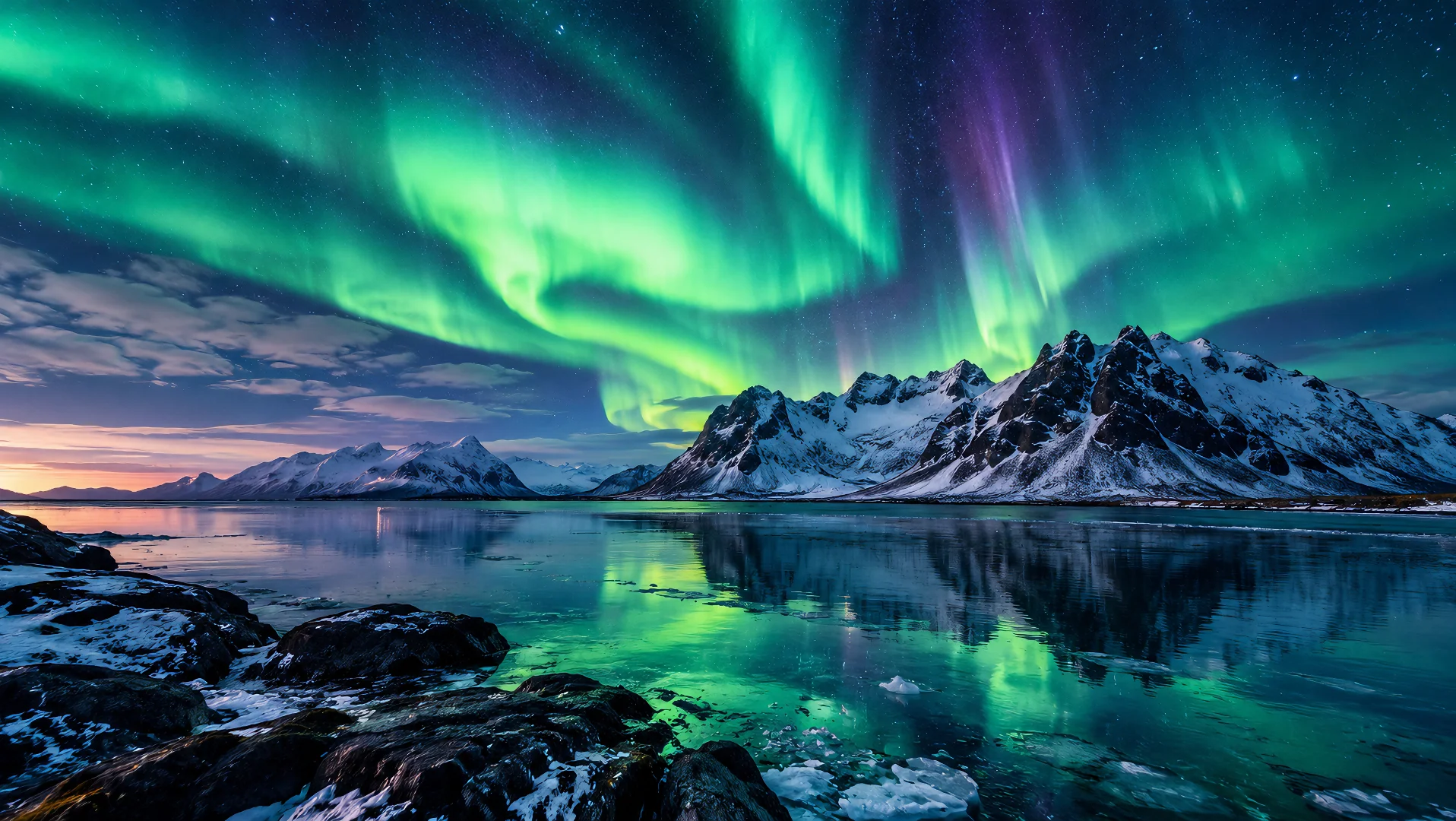
Create scenes in luxury suites, rooftop bars, exotic destinations, or places you can't easily access — without traveling to the actual location.
Use a scene reference image to guide the environment, layout, and atmosphere of your AI-generated video. Start with a setting you like, then create new moments within a similar visual space.
Explore Scene ReferenceCreate videos in the environments you imagine without traveling, renting locations, or setting up a physical shoot. Use scene reference images to guide AI toward your desired setting and explore your creative direction.
Create scenes in luxury suites, rooftop bars, exotic destinations, or places you can't easily access — without traveling to the actual location.
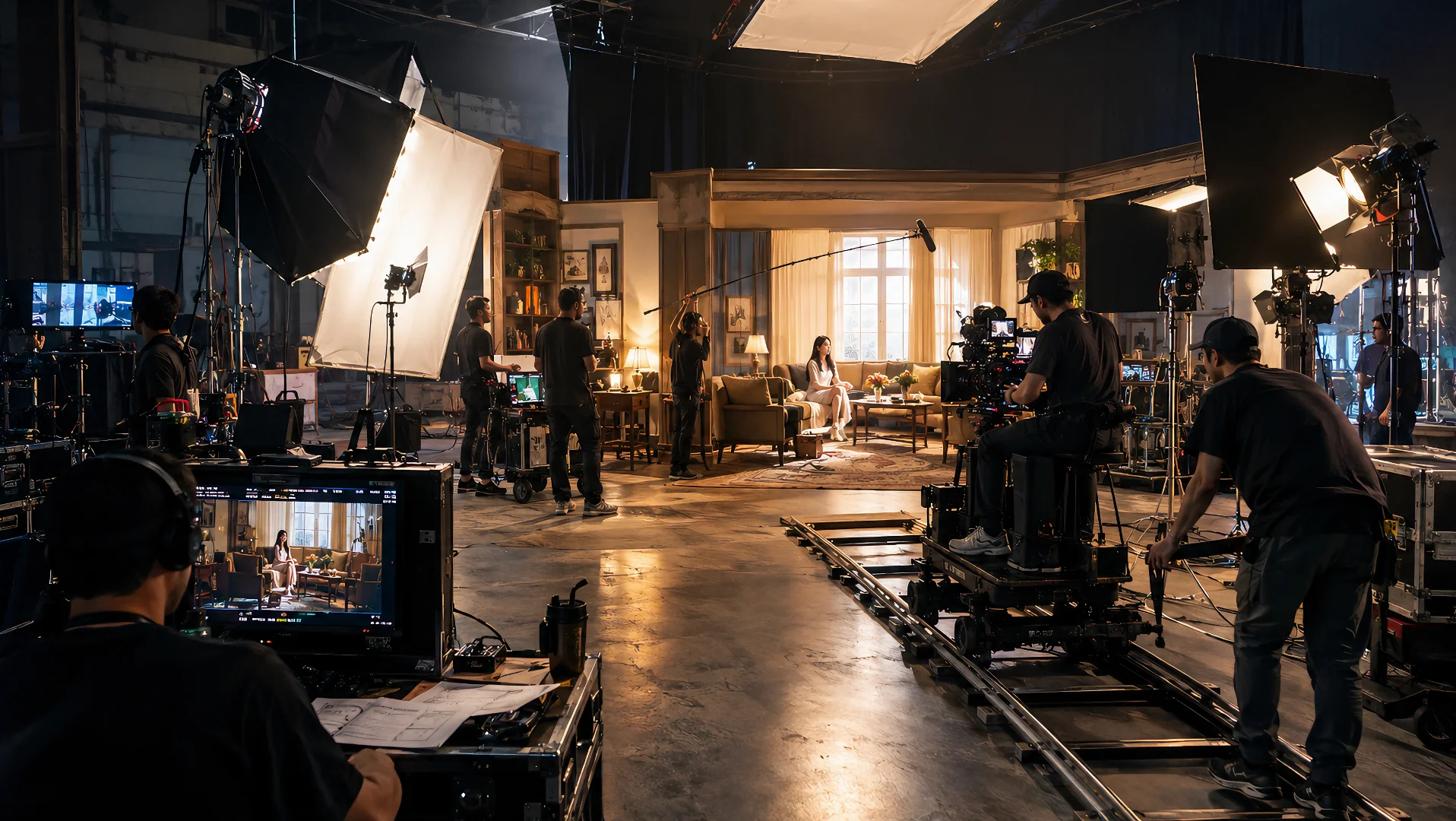
Explore settings without the expense and logistics of location scouting, venue rentals, or building physical sets.
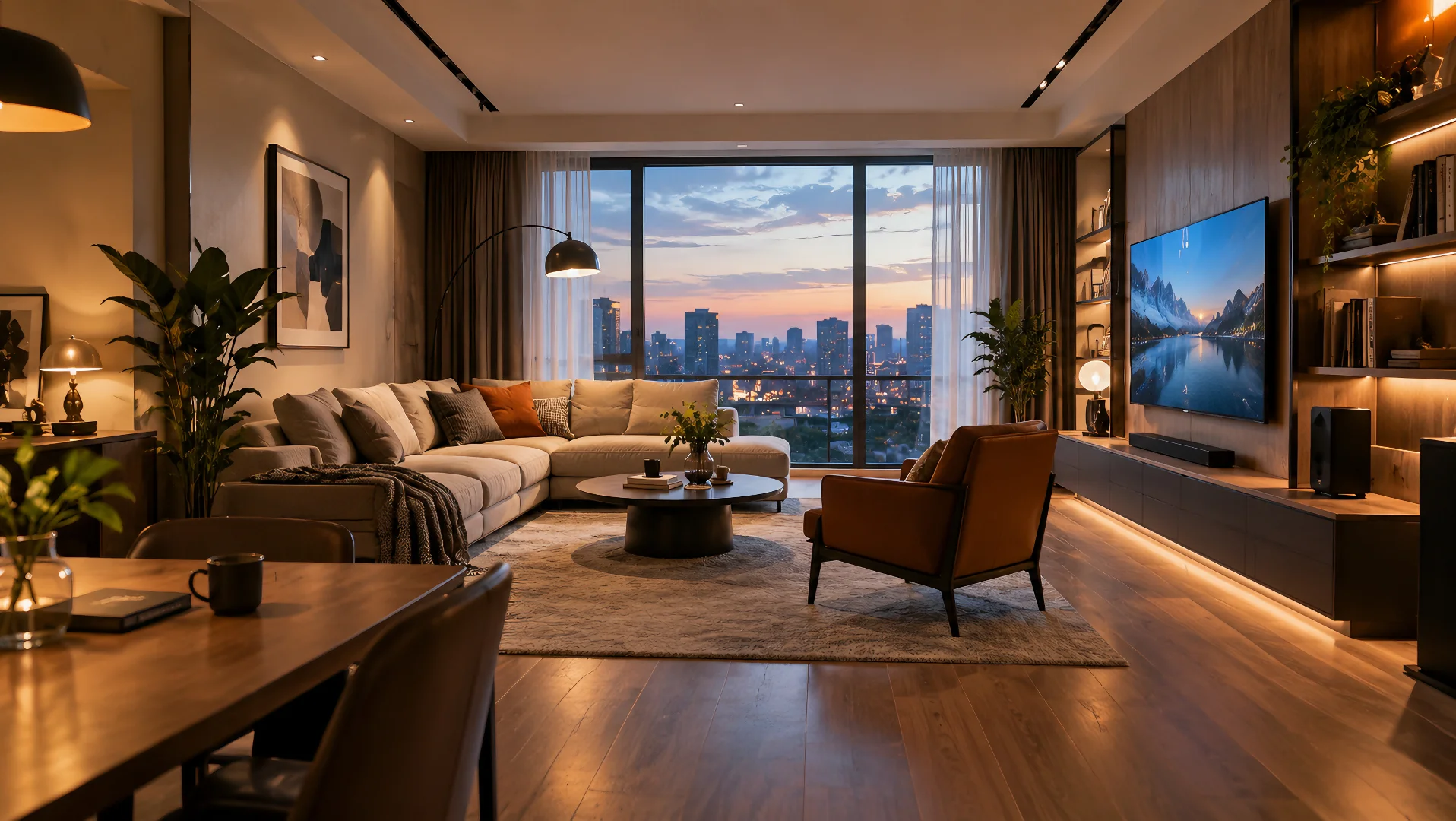
Use a reference image to communicate the layout, furniture, architecture, and atmosphere you want, rather than relying on text alone.
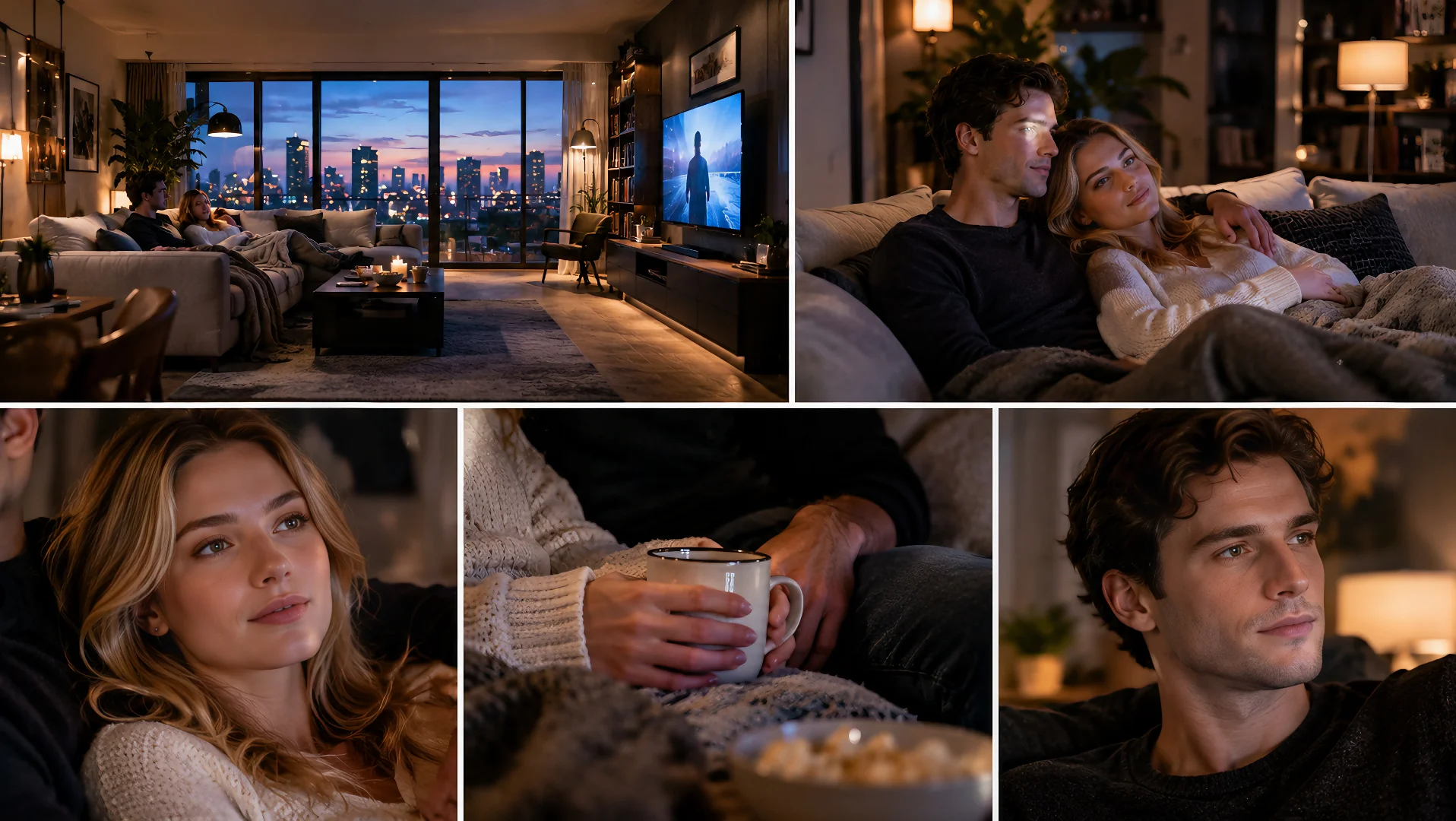
Explore different shots and scene directions from a visual starting point.
Use a scene reference as the starting point for new video ideas. Introduce characters, change the action, and explore different moments within a setting inspired by your reference image.
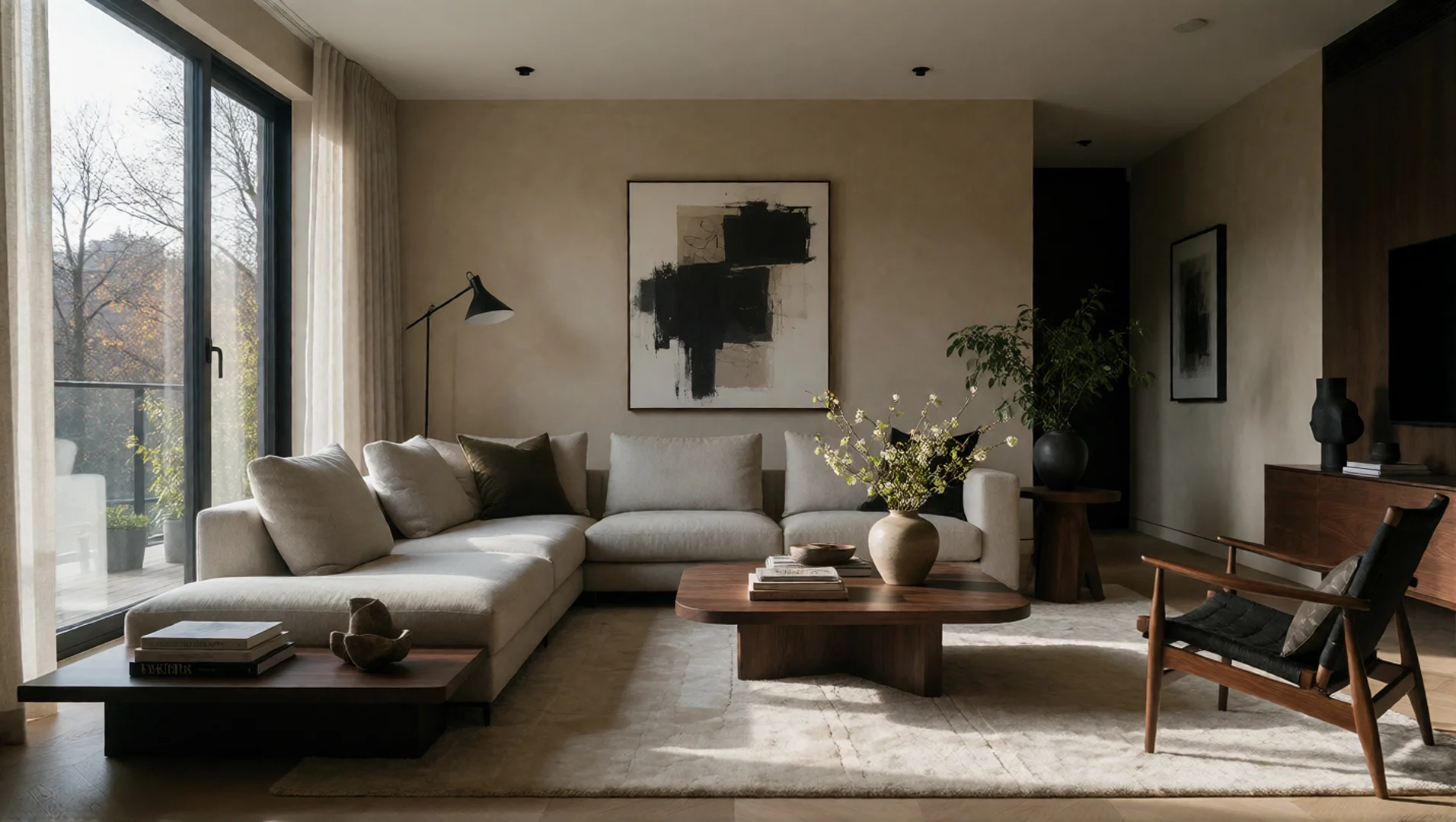
Start with an environment that sets the stage for your video.
Introduce a character into the referenced environment
Describe a new movement or interaction within the setting.
Create another scene direction with a different composition or story beat.
From travel content to cinematic storytelling, use scene references to create videos in the places and environments your ideas call for — without needing to film there yourself.
Create travel-style videos featuring dream destinations, iconic architecture, and scenic locations without traveling there.
Build story-driven scenes in apartments, offices, streets, and other settings that support the plot.
Create lifestyle clips, aesthetic reels, and location-based content with a specific visual atmosphere.
Set the scene for lifestyle campaigns, hospitality promotions, and visually driven advertising concepts.
Explore futuristic cities, imaginary worlds, and environments that would be difficult or expensive to film in real life.
Create cozy café moments, luxury interiors, seasonal scenes, and mood-driven visual content.
A compelling video needs more than a subject. Where supported by the selected workflow, combine a scene reference with characters or objects to explore how people and key elements fit into an environment.
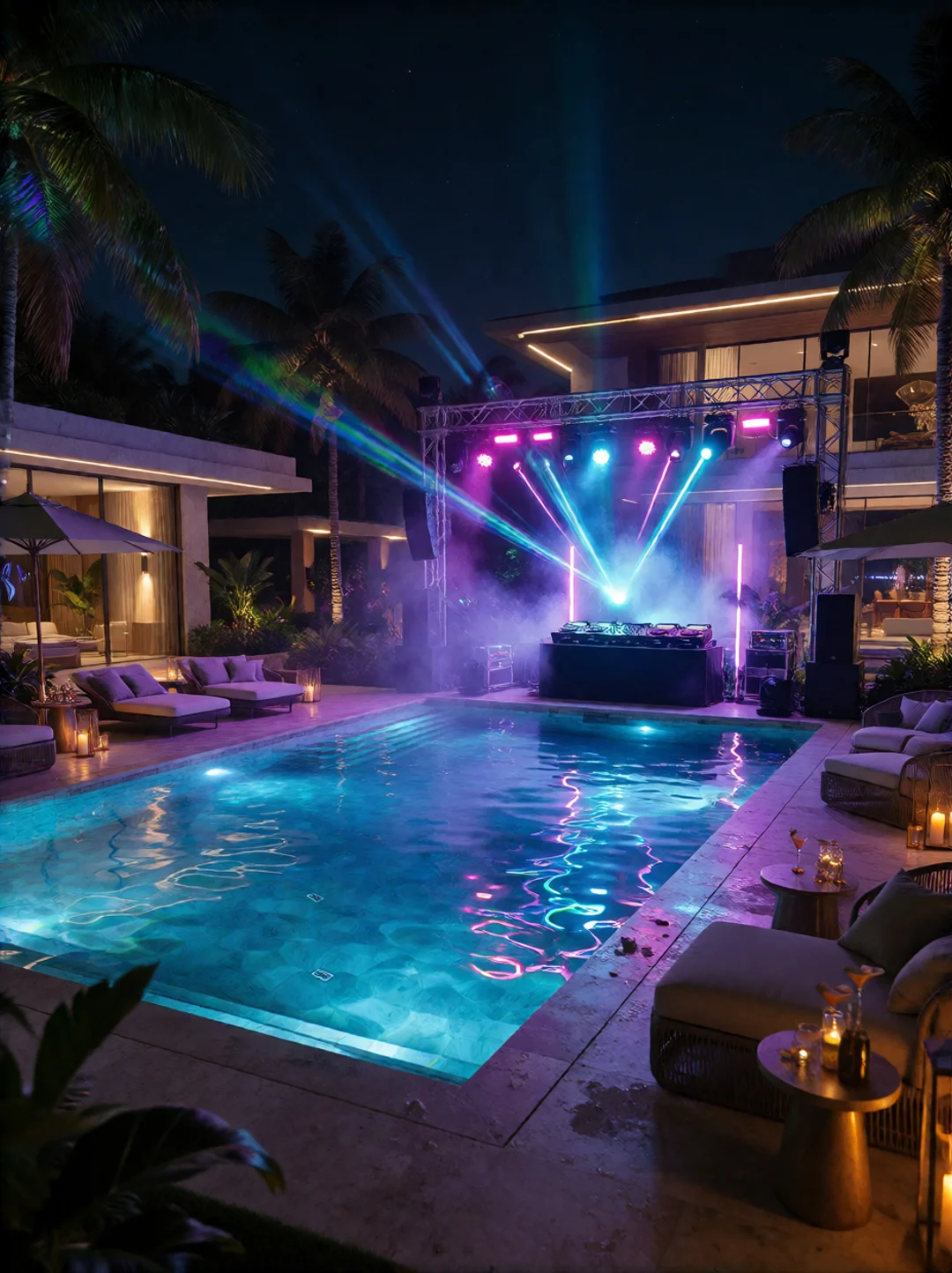
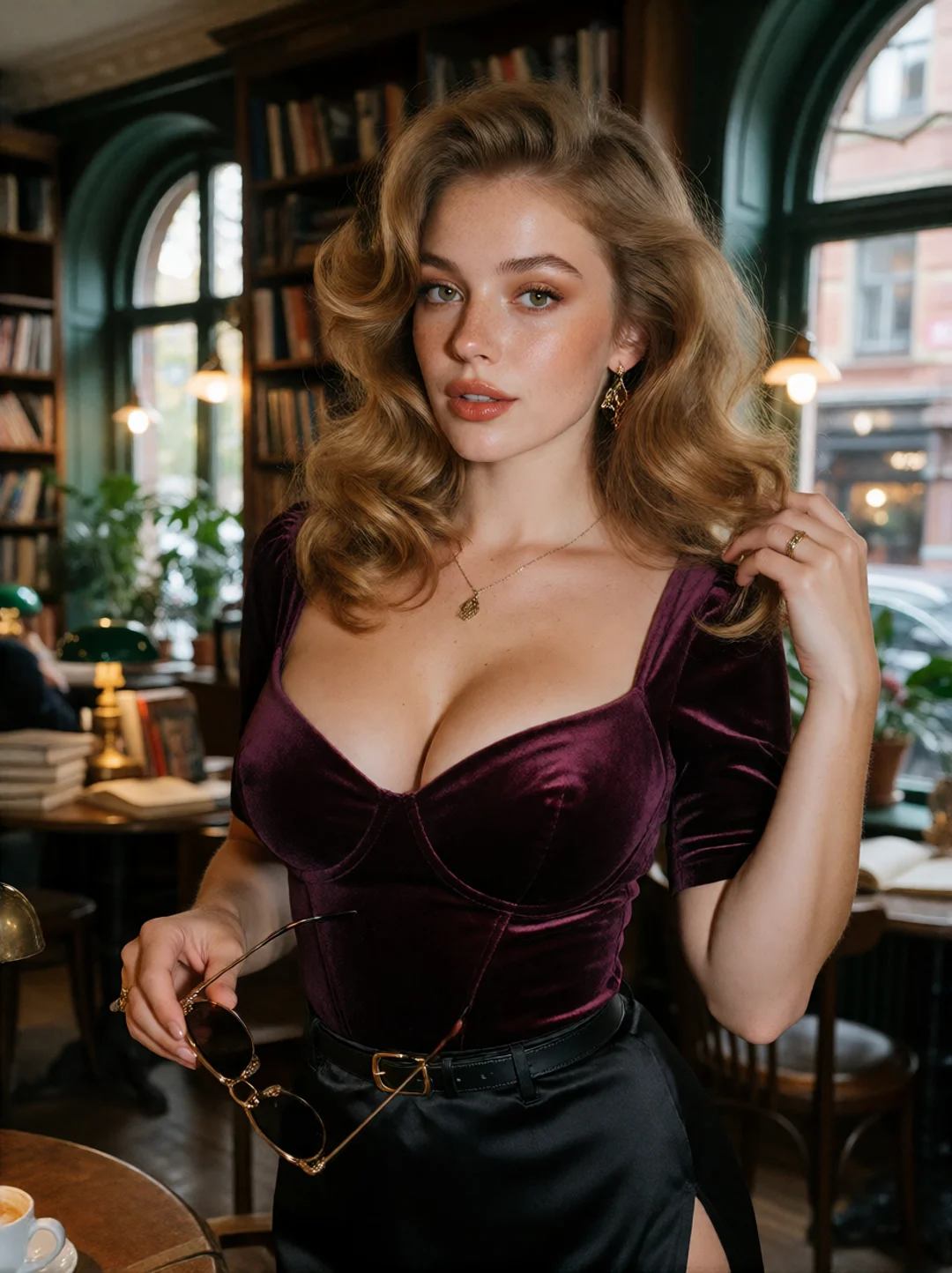
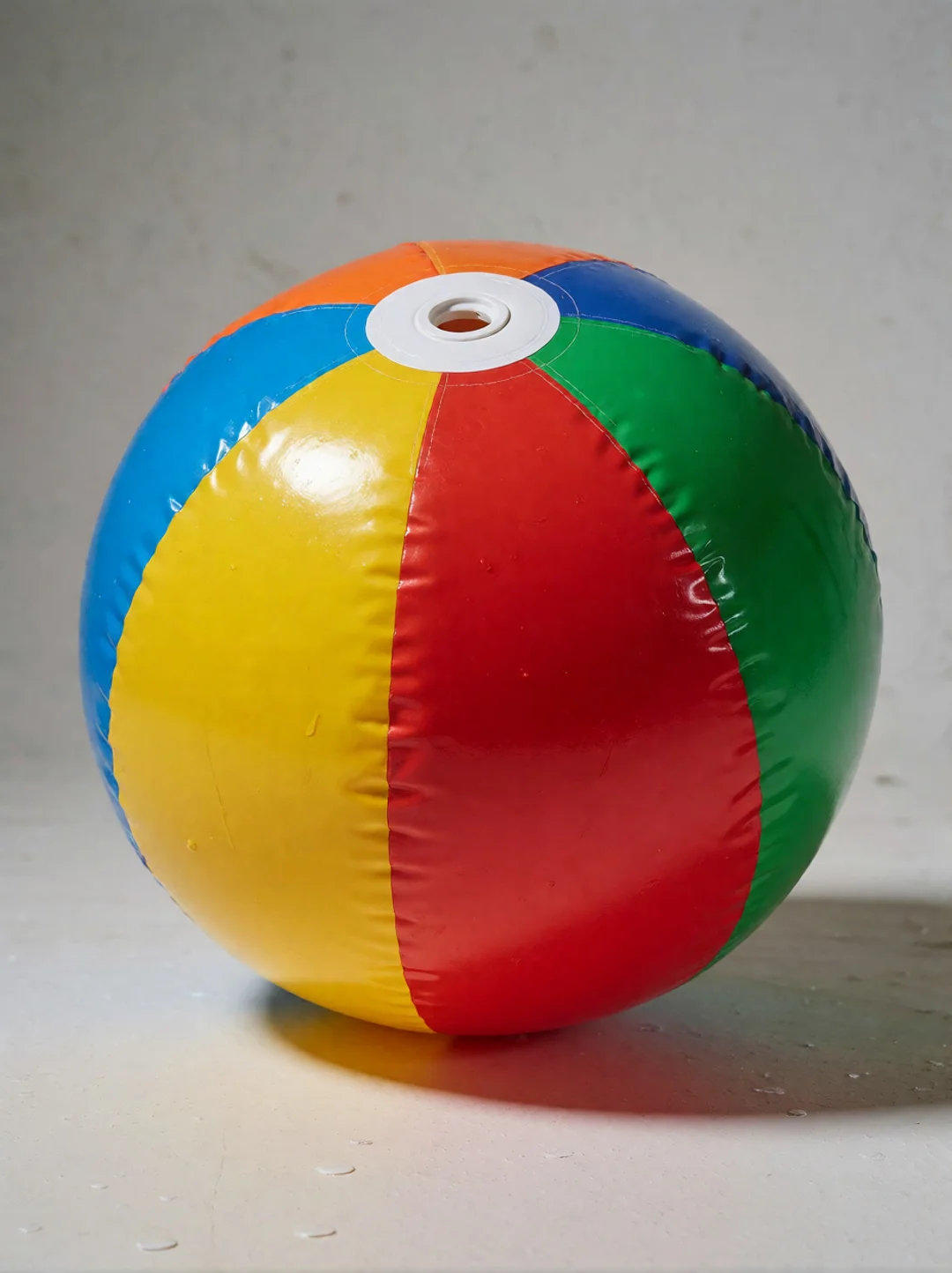
Combine supported references to guide the scene
Use the environment as the visual foundation, then direct how the character and object appear within it.
Start with an environment that matches your idea, describe what should happen there, and guide the camera toward the moment you want to capture.
Select an image that clearly shows the environment, spatial layout, and background elements you want to use as a visual guide.
Explain who or what appears, what action takes place, and how the environment should be used in the shot.
Review how the environment appears in the result. Refine your prompt or reference if the layout, framing, or atmosphere needs adjustment.
A scene reference is an image used to guide the environment or setting of an AI-generated video. It can provide visual context for elements such as room layout, architecture, background objects, and spatial composition.
A character reference focuses on a person's appearance, while a scene reference focuses on the environment and spatial setting. They guide different aspects of a generated video.
If your selected workflow supports scene reference images, you can use a suitable location photo as a visual guide. The generated environment may differ from the original image.
You can describe different actions, subjects, and camera movements in your prompt. How well the environment is preserved while the scene changes depends on the model and workflow.
Scene references can be useful for a range of environments, including rooms, streets, landscapes, and imaginative settings, when supported by the chosen workflow.
Choose an image where the environment is easy to understand. Clear spatial relationships, visible background details, and an uncluttered composition can make your intended setting easier to communicate.
This depends on the selected model and its supported inputs. If multiple references are supported, they may help guide different elements of the same scene.
Not necessarily. A scene reference guides the generated environment, but details such as object placement, architecture, lighting, and perspective may vary in the final result.
Choose an environment, define the moment, and turn your visual references into new AI video ideas.
Create with Scene Reference