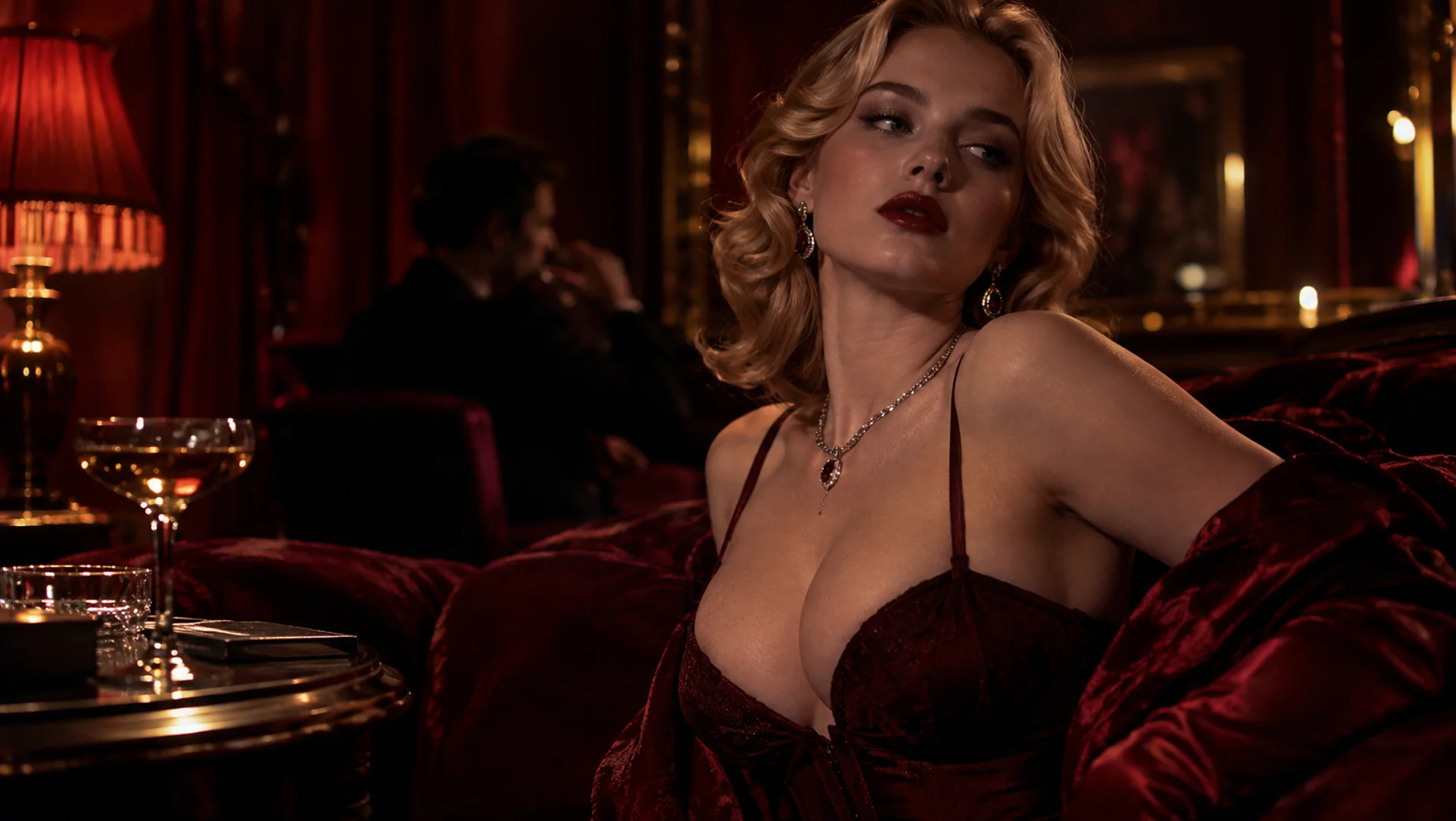
Have a specific cinematic, vintage, dreamy, or high-fashion look in mind? Use a visual reference to communicate the aesthetic beyond words alone.
Use style reference images to guide the colors, lighting, textures, and overall aesthetic of your AI-generated videos. Turn a visual inspiration into a clearer creative direction for cinematic scenes, social content, and more.
Create with Style ReferenceGetting the right look takes more than describing a mood. A style reference gives your AI video a visual starting point, helping you explore aesthetics, communicate the look you want, and develop content with a more coherent visual direction.
Have a specific cinematic, vintage, dreamy, or high-fashion look in mind? Use a visual reference to communicate the aesthetic beyond words alone.
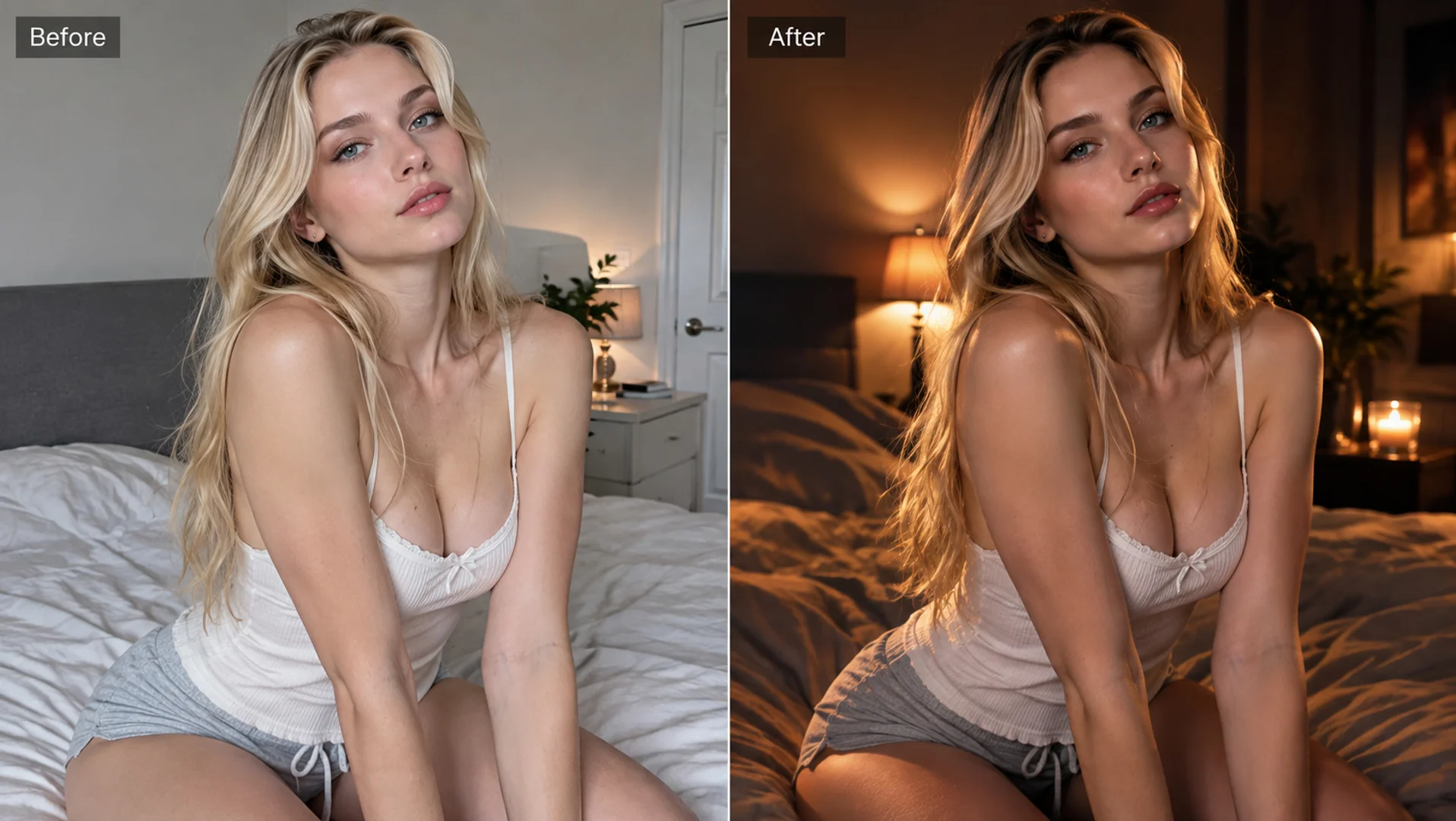
Start from an existing visual example instead of repeatedly trying to describe every color, lighting choice, and texture from scratch.
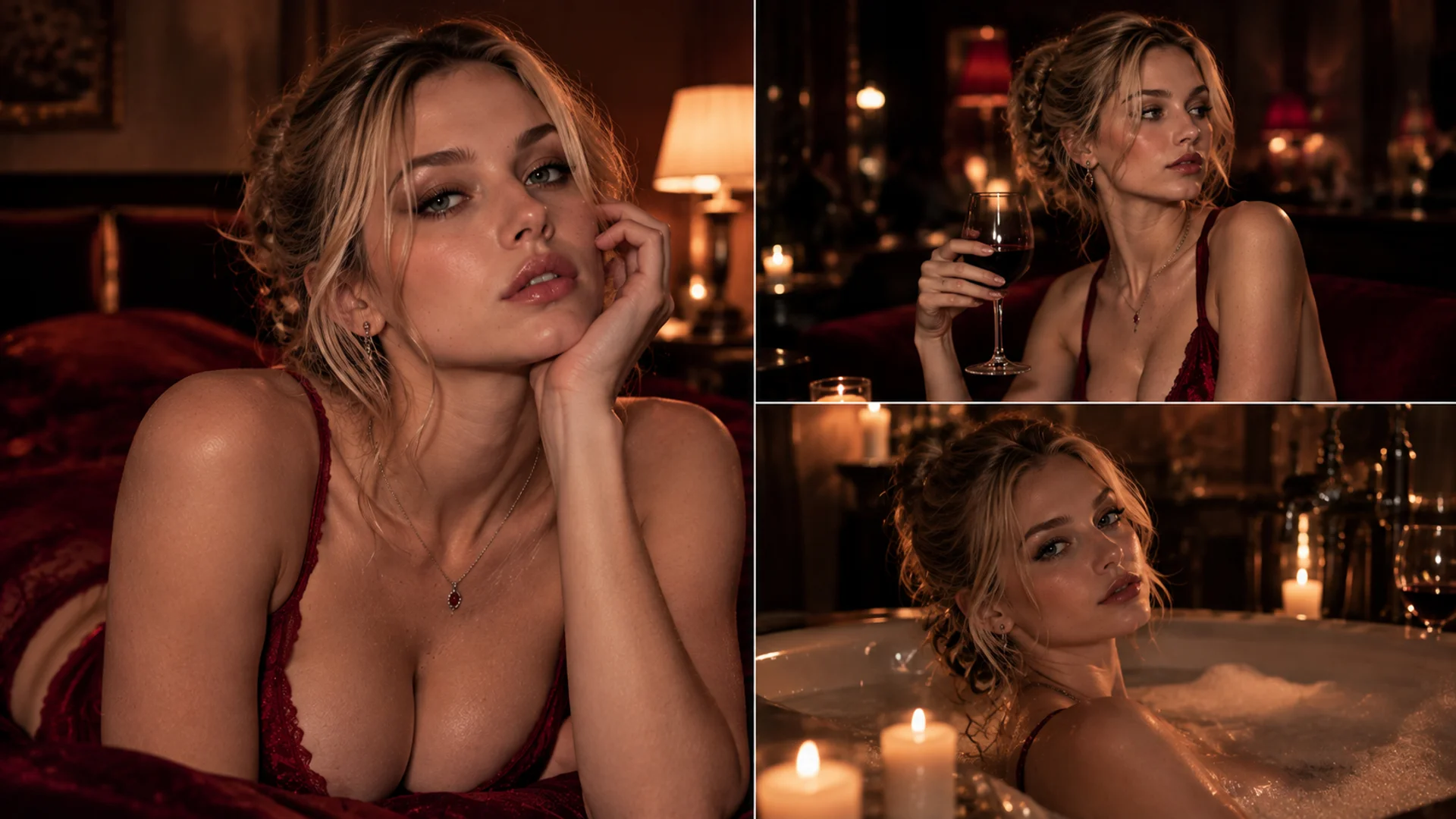
Use a shared visual direction as a starting point when creating related clips for a campaign, story, or content series.
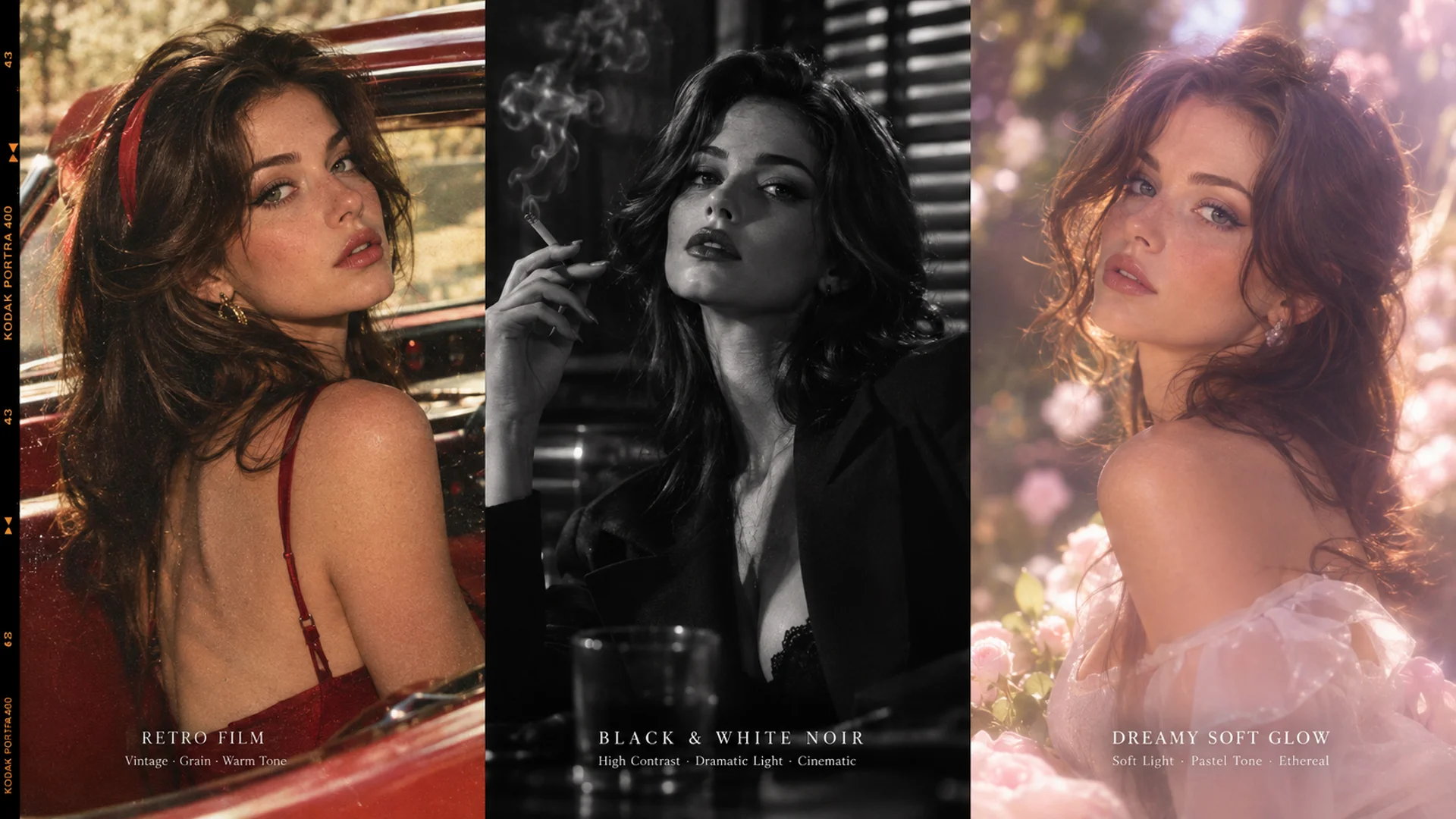
Experiment with contrasting aesthetics, from realistic and cinematic to surreal and stylized, to discover the look that best fits your idea.
From polished cinematic looks to dreamy, retro, and experimental aesthetics, start with a reference that matches the mood and identity you want your video to express.
Dramatic lighting, rich shadows, film-like color grading, and a polished movie aesthetic.
Bold composition, refined color palettes, striking lighting, and magazine-inspired visuals.
Analog film grain, nostalgic tones, faded colors, and a classic retro atmosphere.
Gentle light, soft colors, delicate textures, and an airy, dreamlike aesthetic.
Low-key lighting, deep contrast, moody tones, and a mysterious cinematic atmosphere.
Unexpected color combinations, imaginative visuals, and unconventional artistic direction.
From cinematic storytelling and social media videos to fashion campaigns and creative projects, use style references to shape the visual aesthetic of the content you create.
Create cinematic scenes with distinctive color grading, dramatic lighting, and film-inspired textures.
Give Reels, Shorts, and lifestyle videos a recognizable visual aesthetic that stands out in the feed.
Explore editorial looks, polished lighting, and carefully styled visuals for fashion and beauty content.
Create dreamy travel scenes, nostalgic destination videos, and mood-driven lifestyle visuals.
Explore surreal, futuristic, and imaginative aesthetics that bring unconventional creative ideas to life.
Develop distinctive visual directions for product ads, brand films, and promotional content.
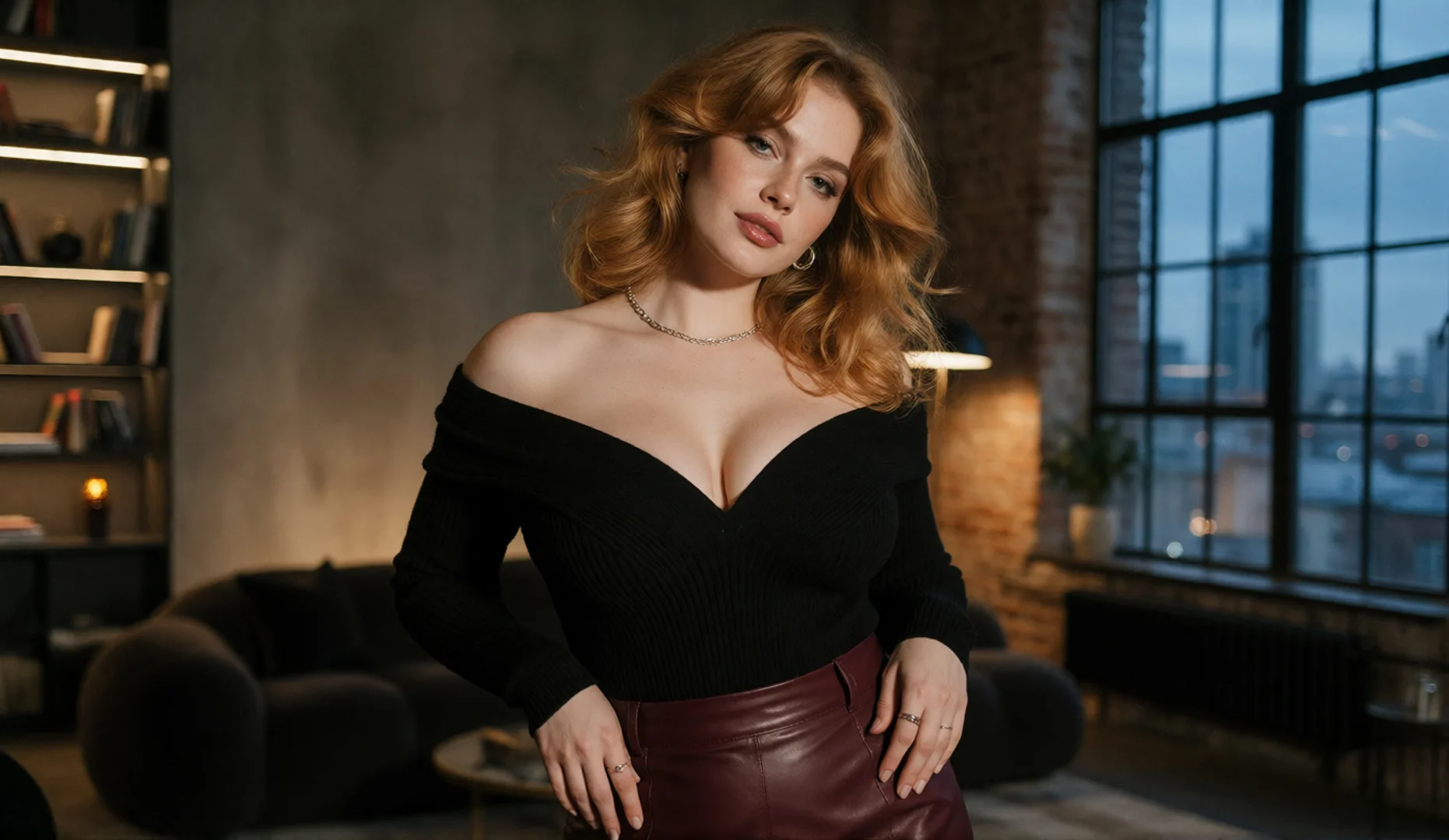
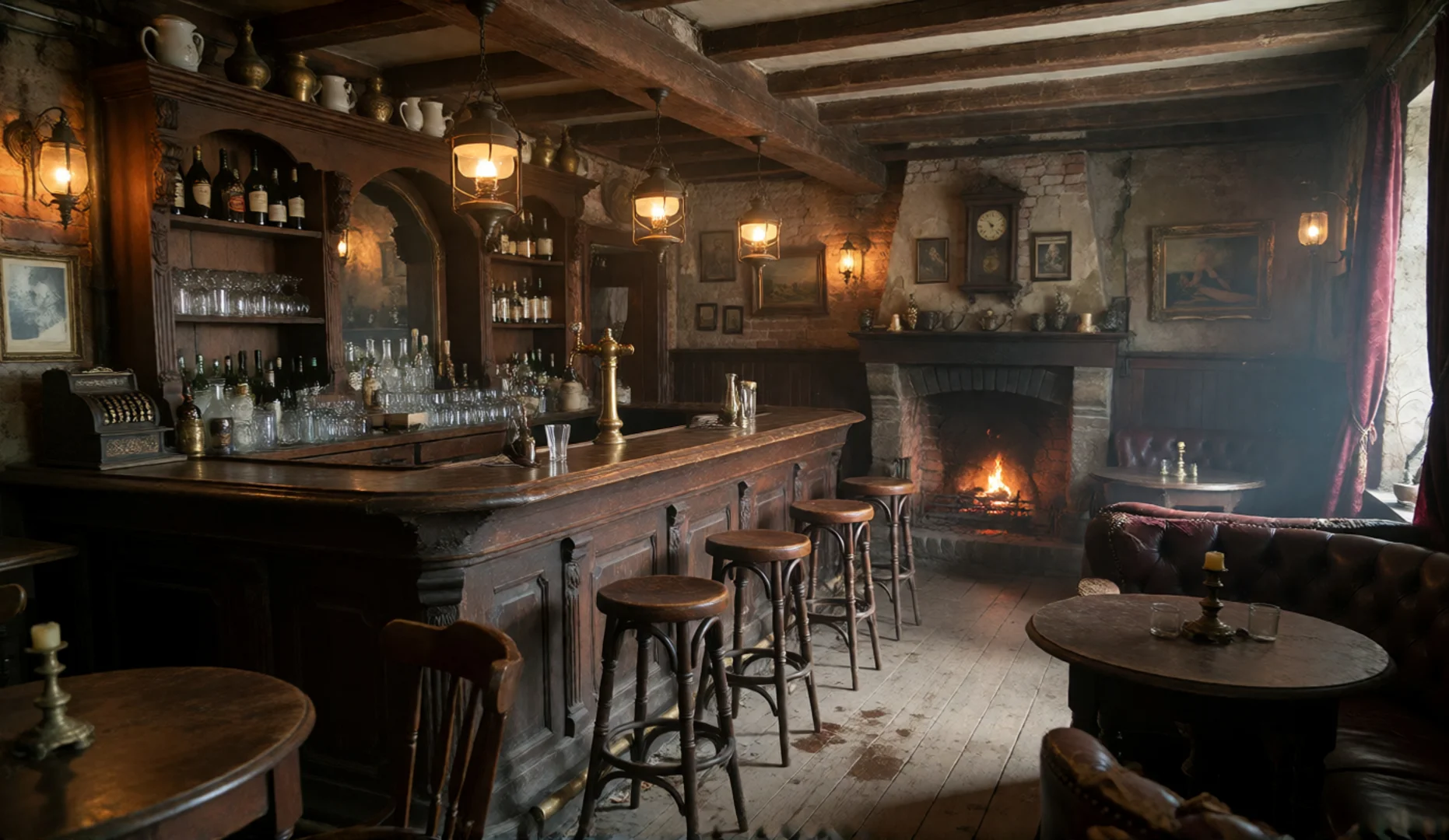
Where the selected workflow supports these inputs, combine scene, character, object, and style references to guide the environment, the subject, the key details, and the overall visual aesthetic of your AI-generated video.
The environment, layout, and background.
The character's appearance and outfit.
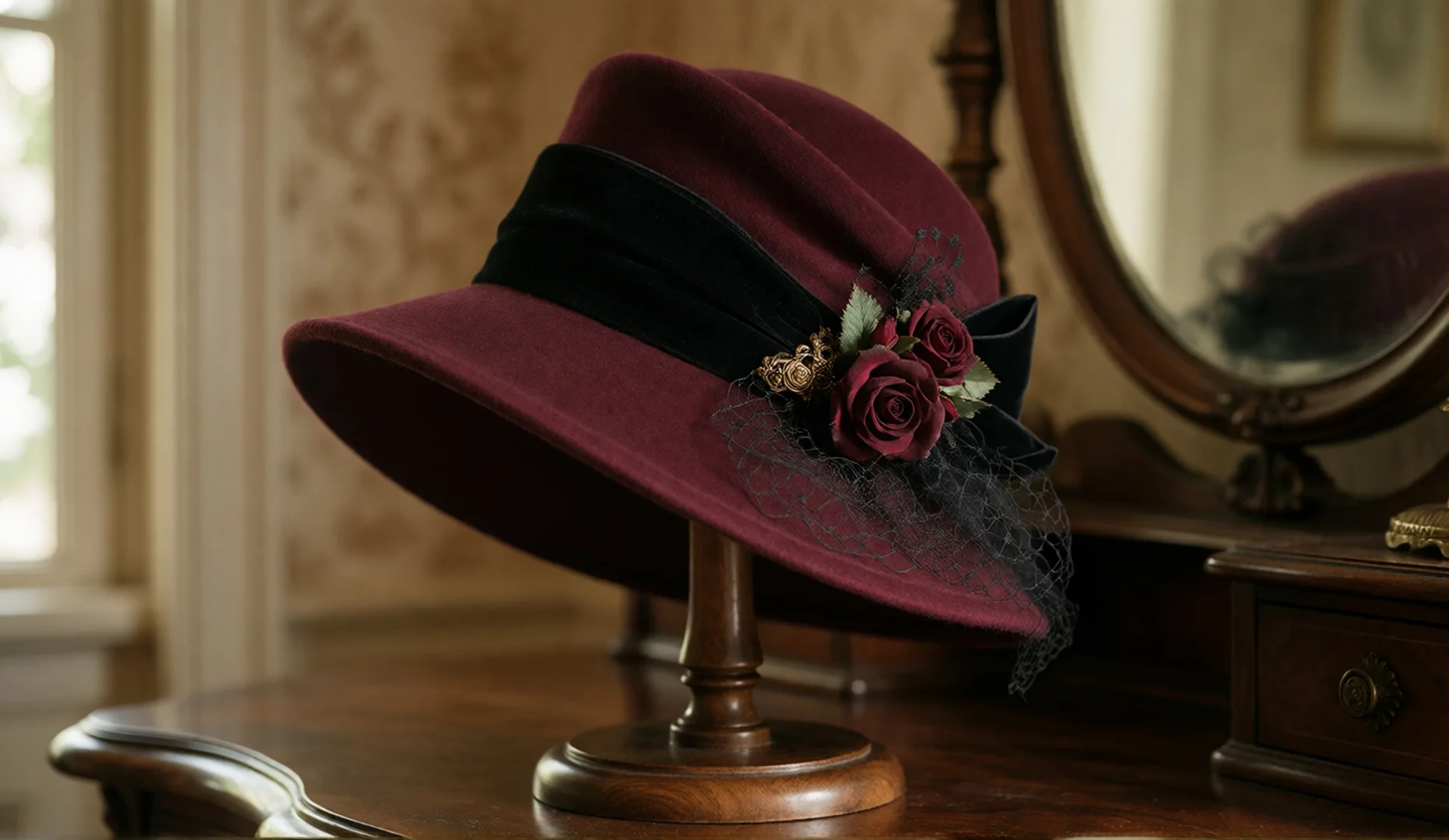
The specific product or prop featured in the scene.
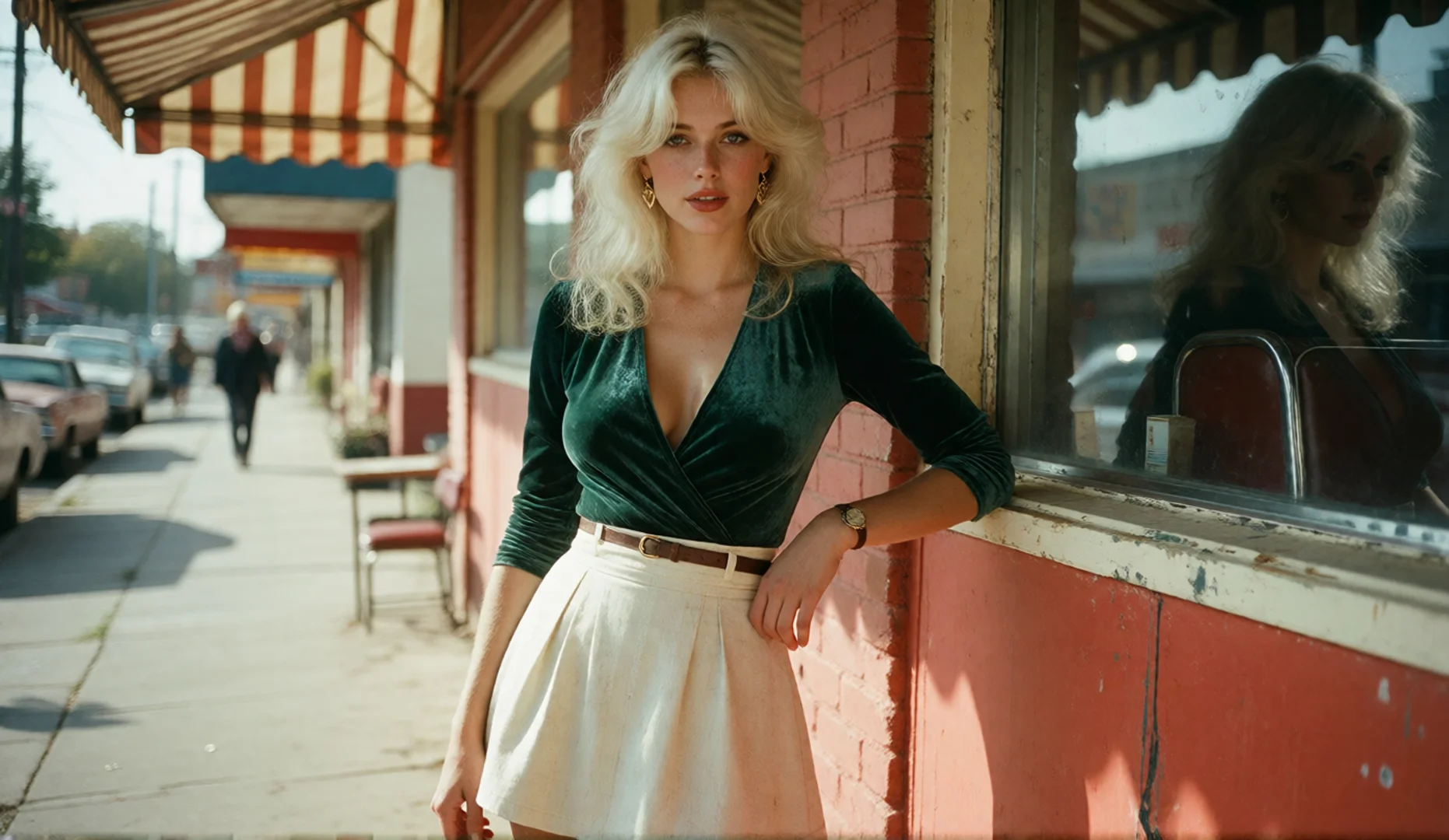
The color palette, lighting, texture, and visual aesthetic.
Combined Creative Direction
Start with an image that captures the look you want, describe your scene, and generate a video guided by your visual direction.
Pick an image that shows the aesthetic you want to explore, such as its color palette, lighting, texture, or artistic treatment.
Explain the subject, action, setting, and camera movement. Use the prompt to define what happens while the reference guides the intended aesthetic.
Review the result and adjust your prompt or reference as needed to move closer to your intended visual direction.
A style reference is an image used to communicate the visual aesthetic you want to explore in an AI-generated video, including its colors, lighting, textures, and overall artistic direction.
It can help communicate the intended visual look, such as color grading, lighting, atmosphere, and image texture. The exact influence depends on the generation model and supported reference workflow.
A scene reference focuses on the environment, background, and spatial layout. A style reference focuses on the visual treatment, such as color, lighting, texture, and artistic aesthetic.
A character reference helps guide a character's appearance. A style reference helps guide how the video looks overall. They serve different creative purposes.
Yes, a style image can serve as a visual starting point for exploring different scenes, provided the generation workflow supports style references. Results may vary between scenes and generations.
Not necessarily. A reference guides the intended visual direction, but it does not guarantee an exact match. The prompt, model, and generation settings can all affect the final result.
Choose an image with a clear, recognizable aesthetic. Strong lighting, a distinctive color palette, visible textures, and a coherent visual treatment can make the intended style easier to communicate.
Start with a visual style that inspires you. Explore new scenes, experiment with different aesthetics, and bring your creative direction into AI-generated video.