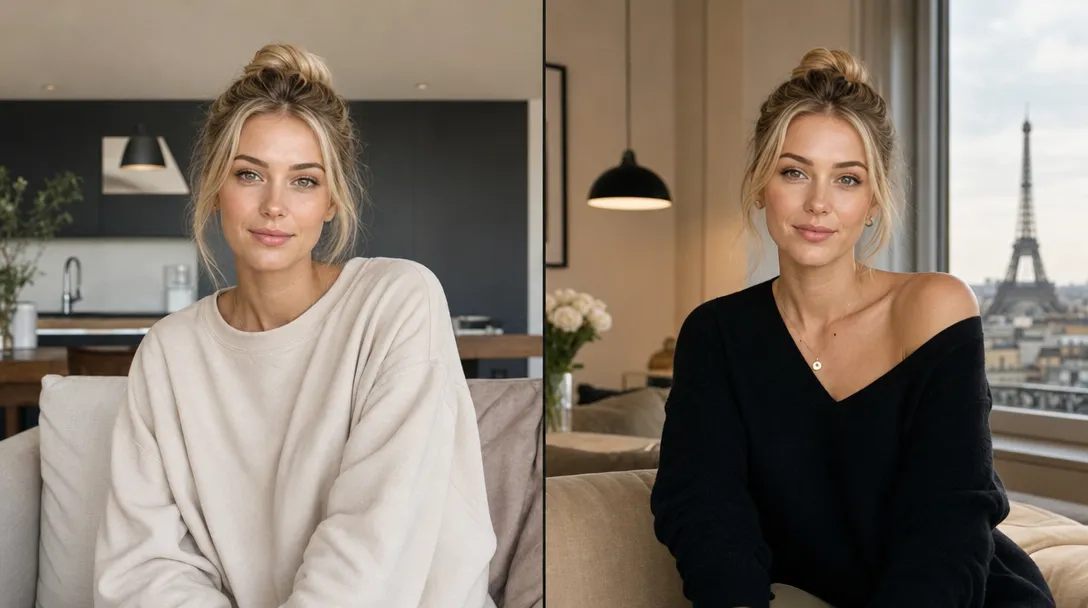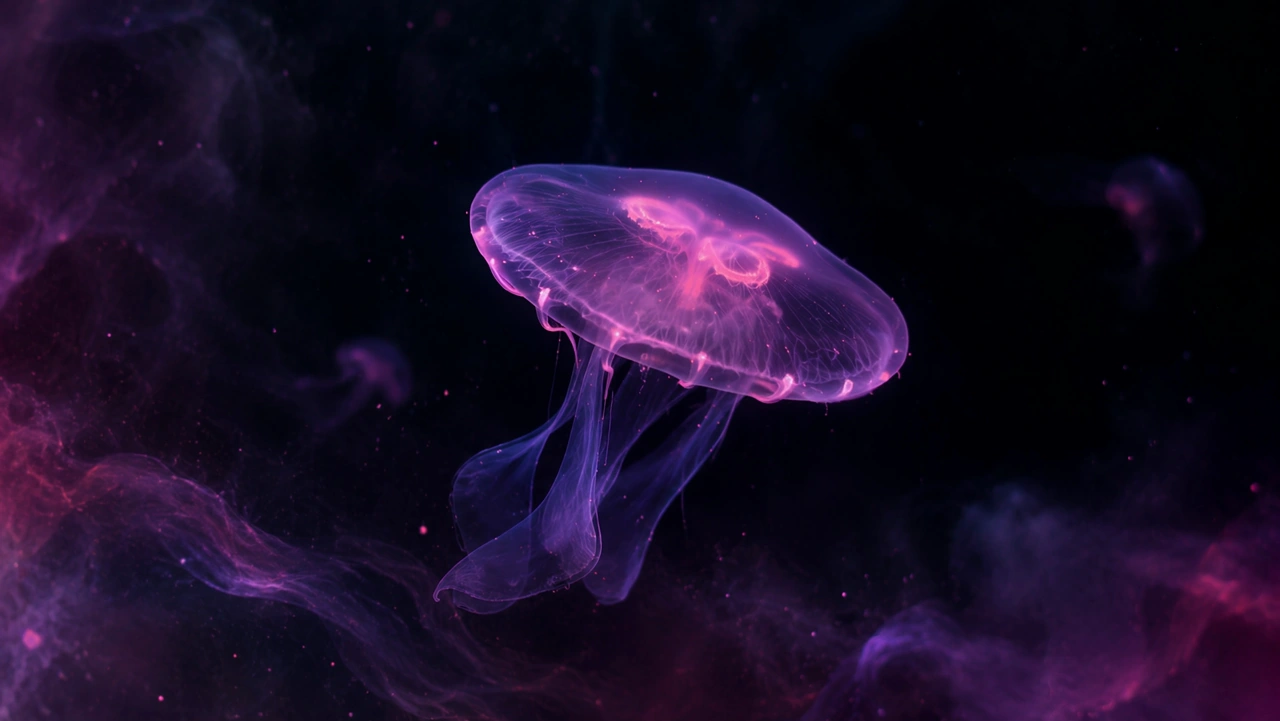
Create AI Videos from Your References
Use image and video references to guide characters, scenes, and visual details. Combine multiple references and bring your creative vision to life with AI video generation.
Your References. Your Vision.
Start with the characters, environments, or visual details that matter to you, then describe what happens next.
Your References. Your Vision.
Bring together supported image and video references to guide the look and direction of a new video.
Your Character. Your Movement.
Use a character image and a supported motion reference to create a directed performance.
See What You Can Create
From cinematic scenes to expressive character videos, explore what is possible with different AI video workflows and find inspiration for your next creation.
Features
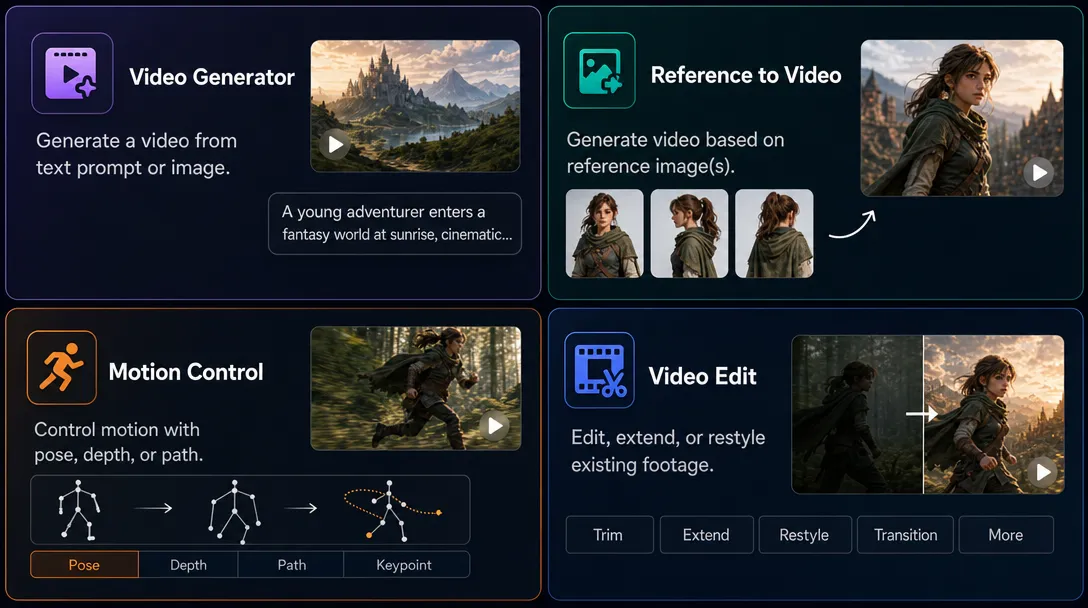
Explore reference-driven video, motion control, editing, and image animation.
Usecases
From short-form content to fashion films and cinematic stories, explore how AI video can fit different creative goals.
Short films
Tutorials
Read about preparing references, writing prompts, and choosing a video workflow.
How to Use Reference Images
Choose clear images of your character, scene, or visual style to guide the look of your video.
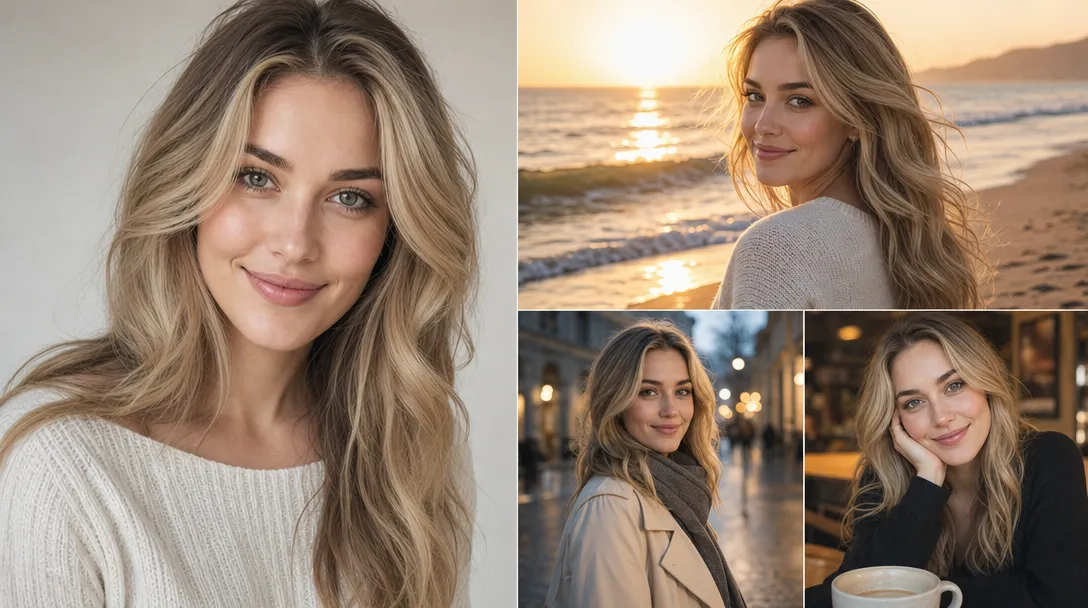
Write Better Video Prompts
Describe the action, camera movement, and mood to give your video a clear direction.
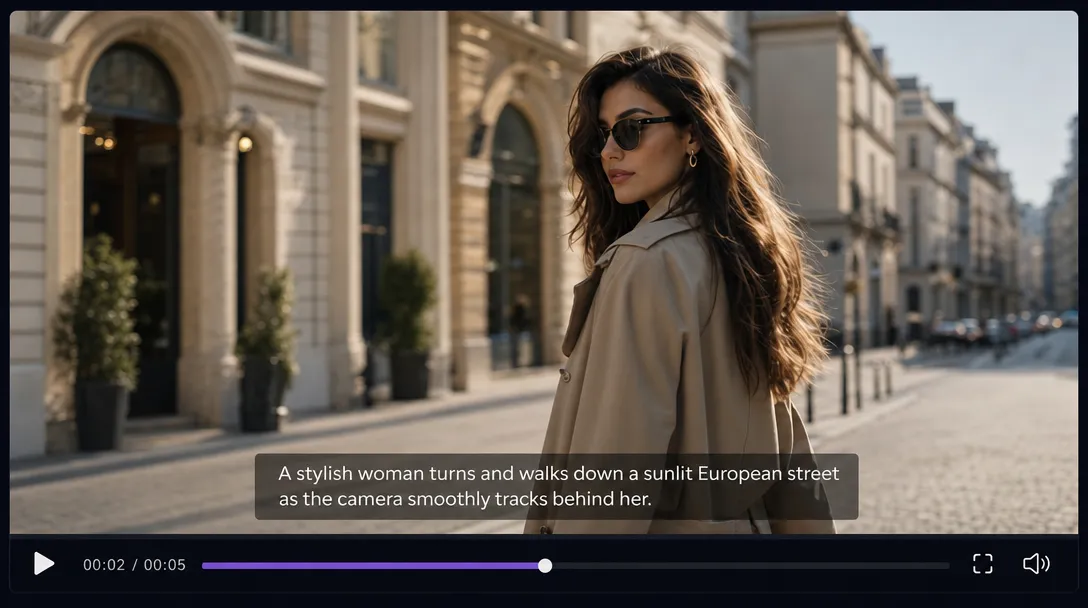
Choose the Right Video Tool
Start from text, animate an image, or combine references to match your creative goal.
Edit and Extend Your Videos
Refine an existing clip or continue a scene while keeping its visual direction.